Why this pack performs
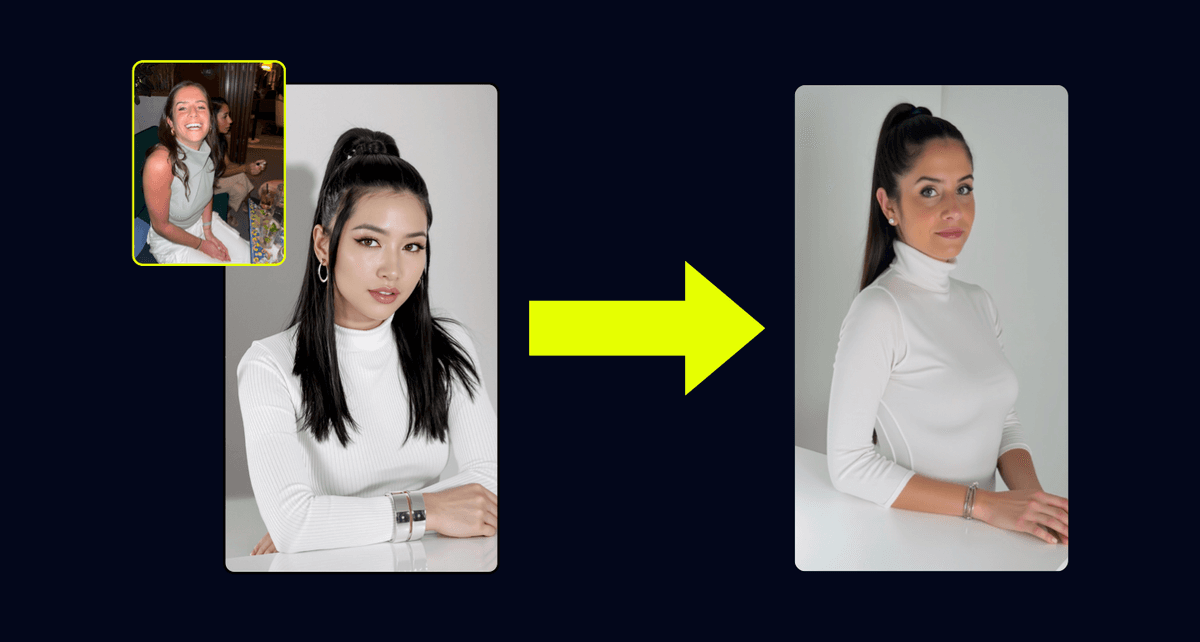
Explore Taking Mirror Selfie Walk-in Closet Holding is a Remix.Camera AI photo pack featuring 1 reference images and 1 guided prompts tailored for fast remix sessions. Remix this AI photoshoot with your own character in minutes. Bring your trained character into the workflow to mirror the poses and styling shown in the gallery.
Inside you'll find prompts such as "Woman attached in the uploaded reference image ( Keep face of person 100% accurate from the reference image ) A woman is taking a mirror selfie in a walk-in closet, holding a pink smartphone in her right hand and a black tote bag in her left arm. She is wearing a black strapless lace bandeau top with a scalloped hem, gold oval hoop earrings, a delicate gold chain necklace with a circular pendant, and a gold wristwatch with a link band. She is also wearing gold-rimmed oval sunglasses. The lighting is soft and diffused, coming from overhead and the side, creating subtle highlights on her skin and hair, and casting gentle shadows. The camera is positioned at a medium shot, slightly angled upwards, with a shallow depth of field blurring the background. The background shows a modern walk-in closet with open shelving displaying clothing, a large mirror reflecting the scene, and sheer white cur tains visible through a doorway in the background. Her dark brown hair is styled in a sleek, low bun, pulled back tightly from her face, showing a glossy sheen. Her fingernails are manicured with a light pink polish, some featuring a subtle white floral or swirl design. The open shelving units on the left are dark wood or black, holding neatly folded light-colored shirts, including white and light blue garments. The overall aesthetic is clean and minimalist. The woman's lips are painted with a soft pink lipstick, and her skin has a smooth, tanned appearance. Her expression is calm, with a slight pout, as she looks into the mirror." that cover the hero looks from the shoot. Model presets include nano-banana so you can keep renders on-genre. Aspect ratio guidance like portrait_16_9 keeps compositions print-ready. Use the prompt notes below to match wardrobe details, framing, and mood before you hit remix.
Remixing is straightforward: train your character once, trigger Remix.Camera's remix flow, and watch the finished shots stream into your Camera feed. Share-ready referral links inside the page let you promote the pack and earn when other creators remix it. Pair the pack with seasonal campaigns or evergreen content to keep your audience seeing fresh, on-brand portraits.